








Design
  • # WIREFRAMES
  • # PROTOTYPING
  • # USER FLOWS
  • # INTERACTION DESIGN
  • # USABILITY
  • # DESIGN SYSTEMS
  • # ACCESSIBILITY
  • # VISUAL DESIGN

Honestly we sat on rebranding for almost a year because every agency we talked to just wanted to hand us a logo file and disappear. Elysium actually asked why we were called Quper in the first place. That question changed the whole direction.
Ayan Chakraborty, Founder of Quper
Ayan Chakraborty
Founder, Quper
01 / 02
UI/UX Design

Interfaces your users won't have to think about

User flows, wireframes, and interactive prototypes built on real research, not guesswork — so every screen earns its place and every interaction feels obvious the first time.

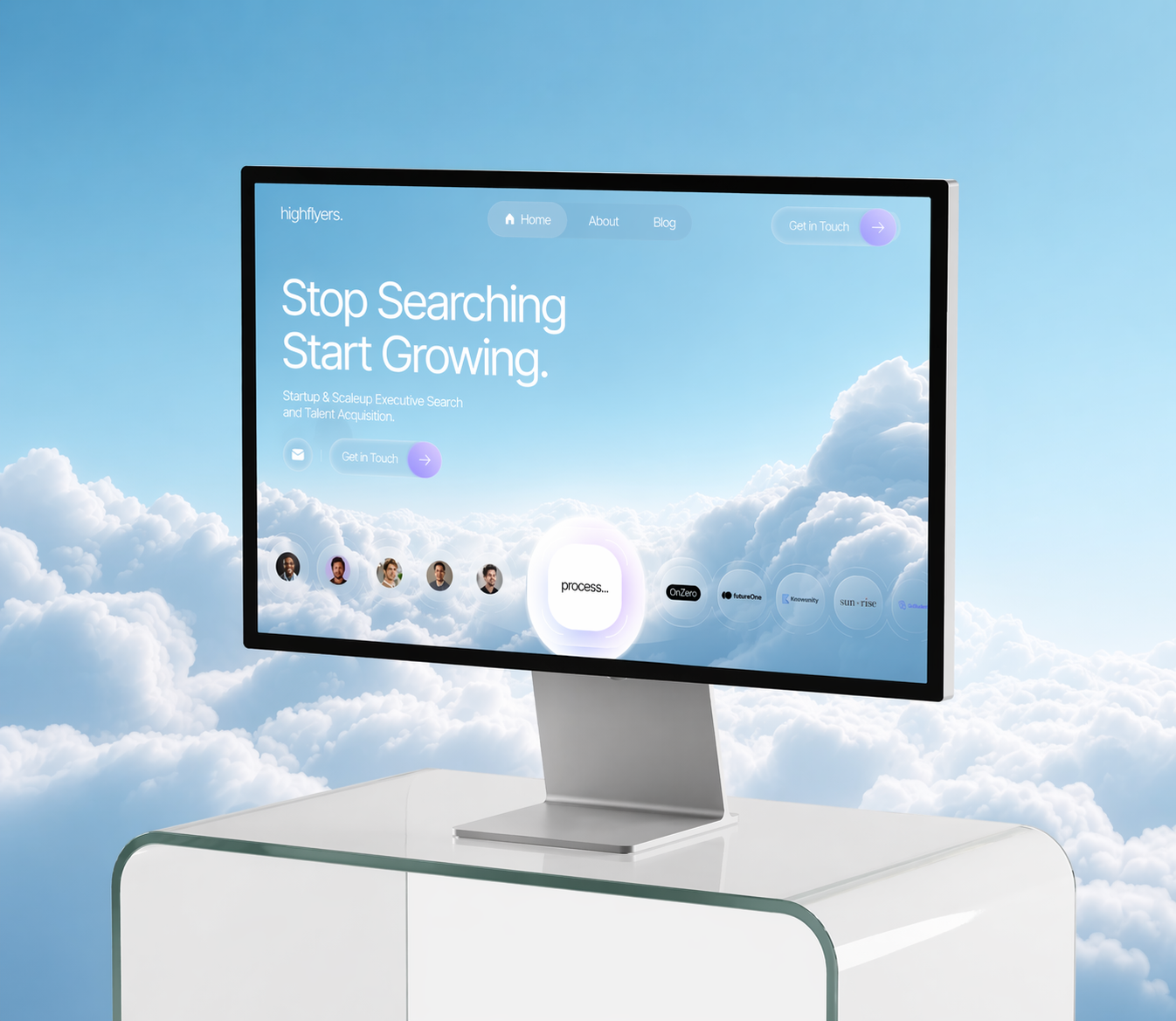
UI/UX Design service preview
Designed UI/UX for teams like

Service Overview

We start every UI/UX engagement with the questions people usually skip: who is actually using this, what are they trying to get done, and where does the current experience get in their way. The interface comes after we can answer those, not before.

Our Approach

We design in the order the work actually depends on: flows before wireframes, wireframes before visuals, and a clickable prototype before anything goes near engineering. Every screen gets tested with real users before it's called done, so the polish is never covering for something that doesn't work.

Our Process

Discovery & Research
/001

We map who's using the product, what they're trying to accomplish, and where the current experience breaks down.

Wireframing & IA
/002

We structure the information architecture and low-fidelity wireframes before any visual decisions are made.

Prototyping & Testing
/003

We build a clickable prototype and run it past real users, fixing what's confusing before it's ever built.

Visual Design & Handoff
/004

We apply the final visual layer and package everything into specs your engineers can build from directly.

What's Included

Good UI/UX is more than clean screens. We hand off everything your team needs to understand, build, and maintain the experience.

User flows & journey maps
A clear map of every path a user takes through the product, before any screens exist.
Low-fi wireframes
Structure and layout decisions worked out before visual design begins.
Interactive prototype
A clickable Figma prototype you can test, share, and demo before writing code.
Design system & component library
Reusable components and states so new screens stay consistent as you scale.
Usability testing notes
Real findings from real users, with the fixes we made in response.
Developer handoff specs
Spacing, states, and component specs ready to build from, no guesswork.

Selected Work

UI/UX work built for a real product, not a portfolio piece.

Jether UI/UX case study
Jether

We designed the interface and website for Jether, a SaaS cybersecurity platform, shaping a visual system that commands trust without demanding it.

Read the case study →

Sprint Options

Two sprint paths, depending on how much of your product needs design. Both are one-time project engagements, not monthly retainers.

/01
Foundational
Ascent

A fast, focused UI/UX sprint for a single flow or an MVP that needs to ship.

What's included:
  • Pricing Features List Icon
    1 discovery session to define scope
  • Pricing Features List Icon
    1-2 core user flows mapped
  • Pricing Features List Icon
    Wireframes for up to 12 screens
  • Pricing Features List Icon
    1 round of interactive prototyping
  • Pricing Features List Icon
    Lightweight component set
  • Pricing Features List Icon
    Developer handoff notes
/02
Signature
Apex

A full product design system across multiple flows, with deeper research and testing.

What's included:
  • Pricing Features List Icon
    2 discovery workshops + user interviews
  • Pricing Features List Icon
    Full user flows across the product
  • Pricing Features List Icon
    Wireframes for 30+ screens
  • Pricing Features List Icon
    2+ rounds of prototyping & usability testing
  • Pricing Features List Icon
    Full design system & component library
  • Pricing Features List Icon
    Full developer handoff documentation
  • Pricing Features List Icon
    Source files, exports, and ongoing design support

Why Elysium

We design interfaces engineers can actually build.

Good UI/UX doesn't stop at a pretty Figma file. It has to survive real users, real edge cases, and a real engineering handoff.

Built for engineering handoff
Specs, states, and components documented so nothing gets lost in translation.
Tested with real users, not guesses
We validate flows with actual usability testing before calling anything final.
Systems, not one-off screens
Reusable components so your product stays consistent as new features ship.
Senior designers only
No junior hand-offs. The person who designs the flow stays on it end to end.

Showcase

Want more examples? A running showcase of UI/UX work, updated as new projects ship.

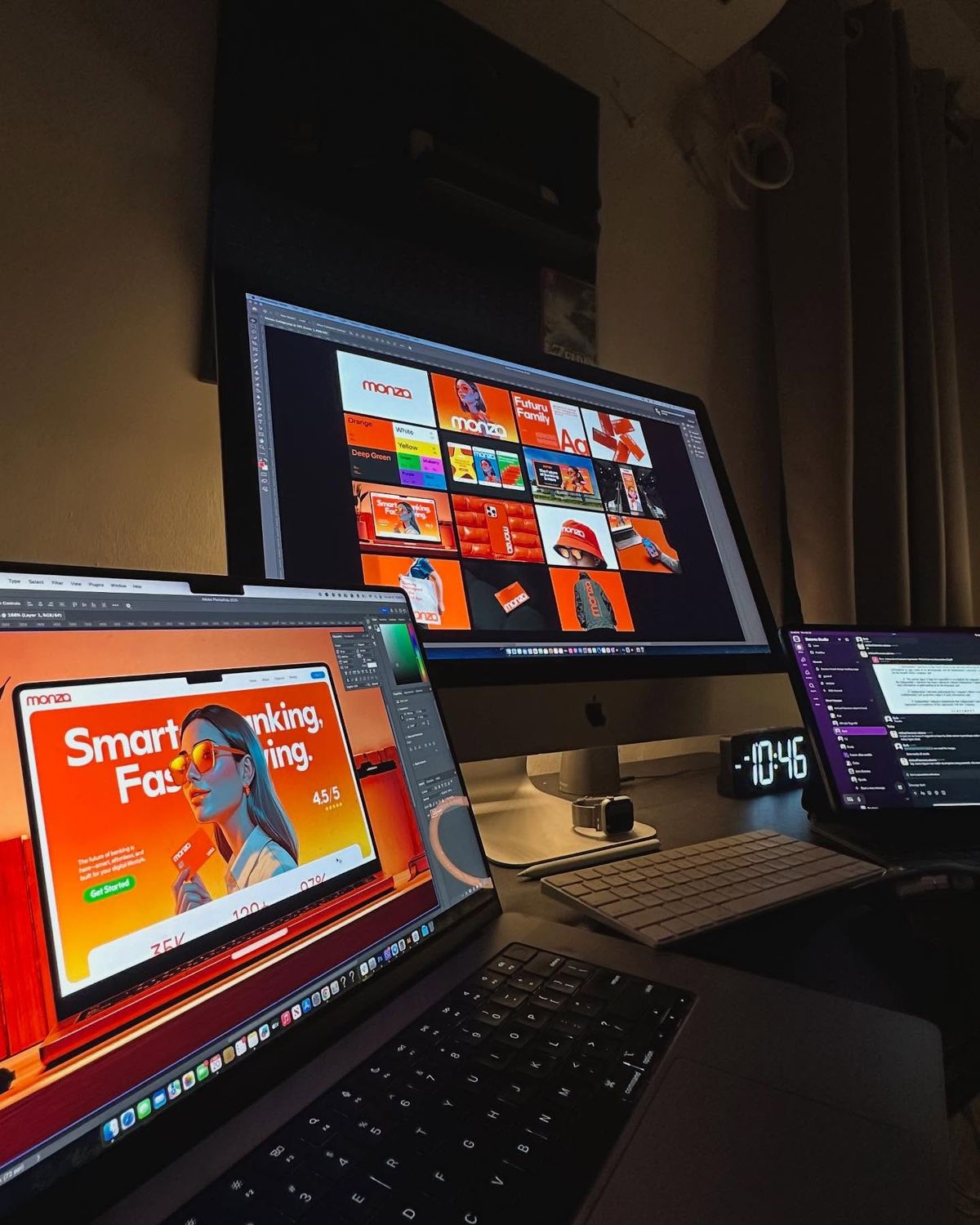
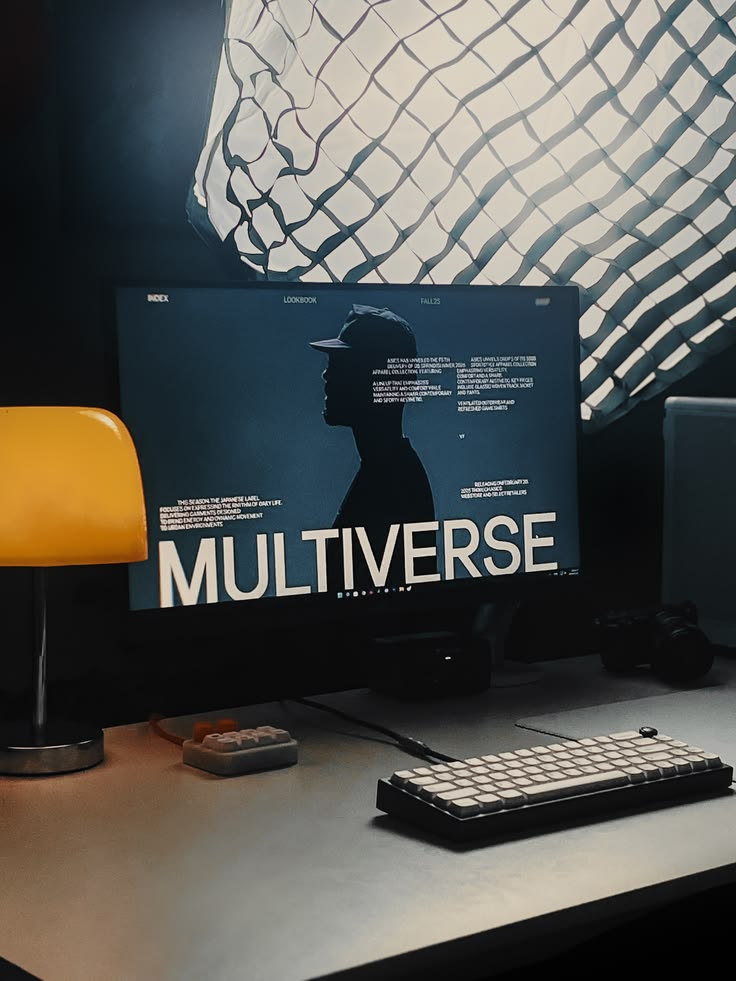
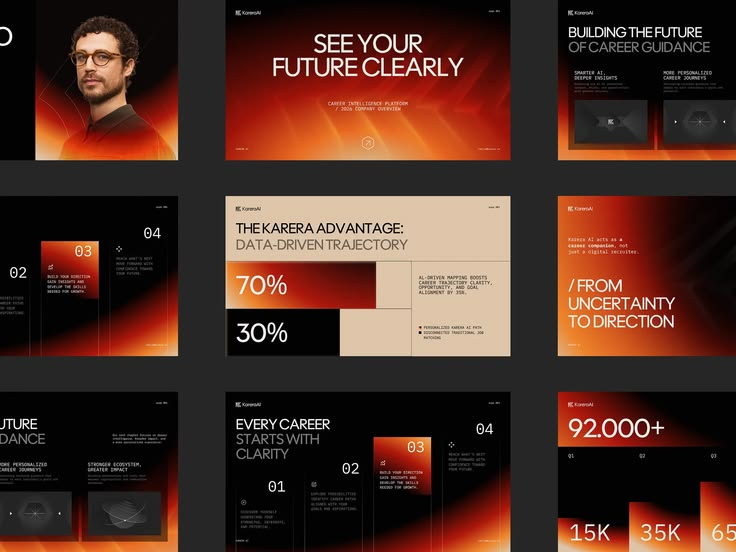
UI/UX design showcase Product design showcase Mobile design showcase Website design showcase Product design showcase Design studio workspace Design studio workspace Design studio workspace

Tools and Workflow

The tools change. The standard doesn't. We use whatever helps us move faster, test earlier, and deliver an interface your team can actually build and maintain.

Design
Figma
Photoshop
Illustrator
AI Research + Prototyping
Claude
ChatGPT
Midjourney
Gemini
Motion and Handoff
Rive
Principle
ProtoPie
Collaboration
Slack
Notion
Loom
Google Meet

What Usually Comes Next

Need the interface applied to a full website, product build, or pitch? We keep the same team close to the work.

Questions About UI/UX Design

CTA Author Image
Shiva Bajpai
Founder & CEO, Elysium
Serving clients worldwide

Ready to collaborate? Tell us what you’re building, we’ll take it from there.